Workaro
PT Get the app
Free template

Free printable work order template (PDF)

A clean, ready-to-print work order form for contractors and field service pros: HVAC, electrical, plumbing, handyman and maintenance. No sign-up, no email required.

Download the PDF templateDo it on your phoneUS Letter, ready to print. Free, no sign-up, no email.
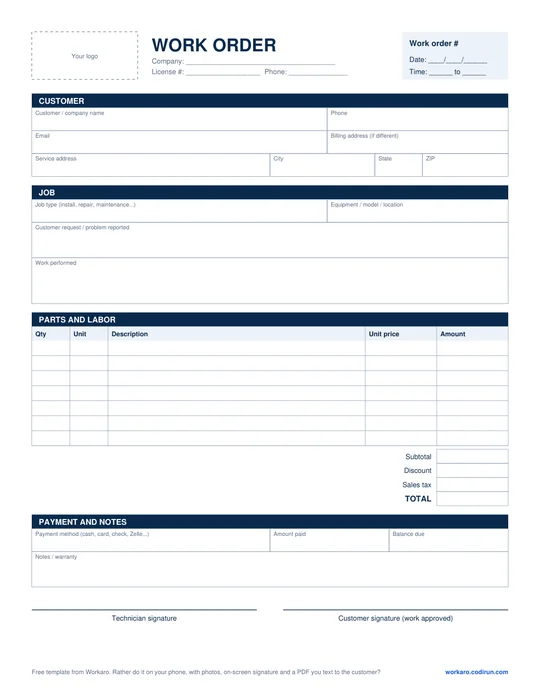
Blank printable work order template

Use it to record what the customer asked for, what you actually did, parts and labor, the price and the customer's sign-off. Print a stack for the truck and fill it out by hand on the job.

How to fill out a work order

01

Work order # and date

Number your work orders in sequence so you can find them later and reference them when the customer calls back.

02

Customer and service address

Name, phone, email and the address where the work was done. Add a billing address only if it's different.

03

Job details

Write down the problem the customer reported, then the work you performed. Clear notes here prevent disputes when you get paid.

04

Parts and labor

One line per part or labor charge, with quantity, unit (ea, ft, hr), unit price and amount. Add sales tax if your state charges it on parts or labor.

05

Payment

Payment method, amount paid and balance due. It works as a simple receipt for both sides.

06

Signatures

Have the customer sign after walking the job with you. It's their approval that the work was completed.

Done with carbon copies? Do it on your phone

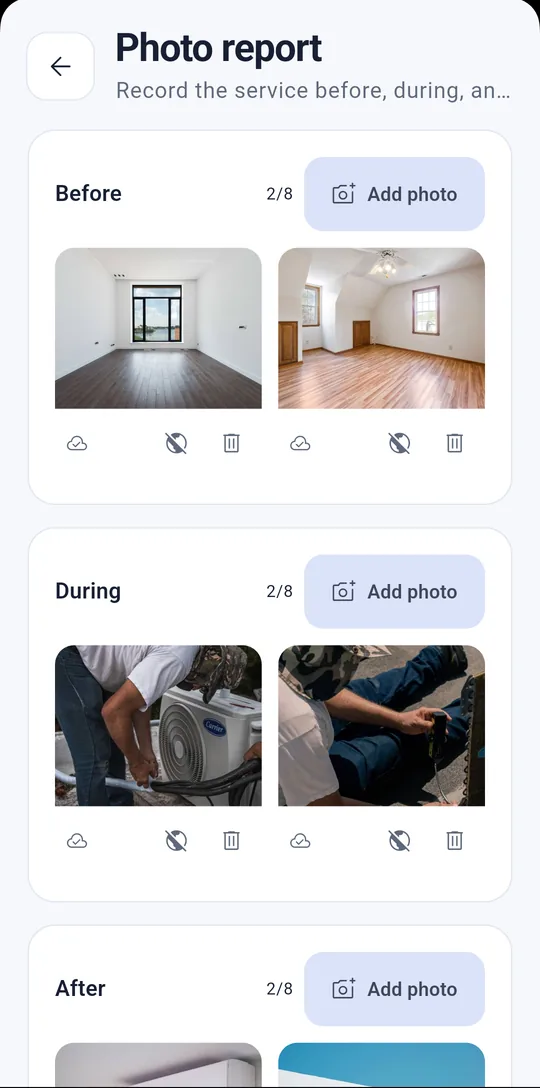
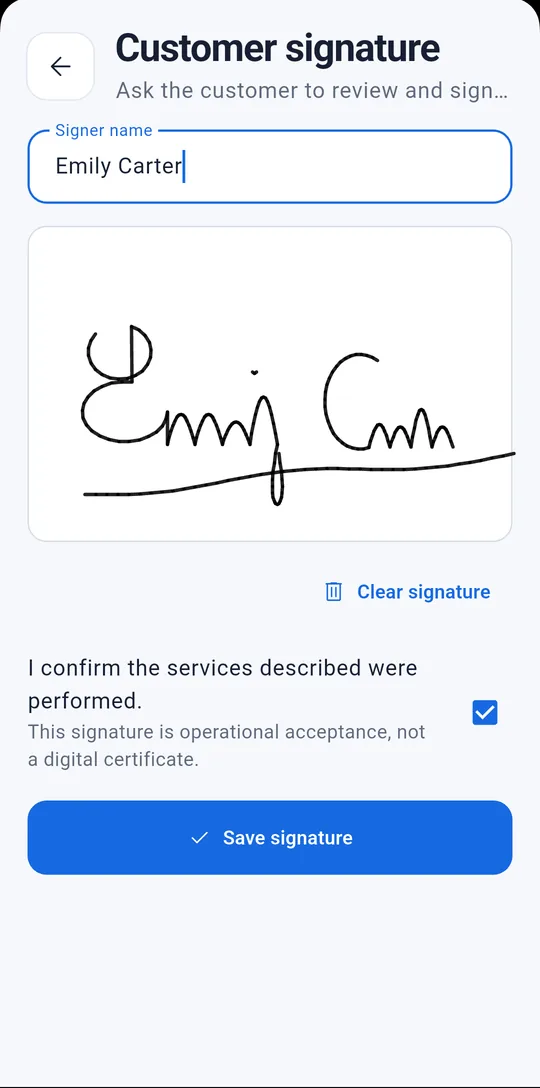
Paper gets greasy, torn or lost in the truck, and the customer never sees photos of your work. With Workaro, the same work order comes from your phone with your business info, before and after photos, the customer's signature on screen and a PDF you can text or email on the spot.
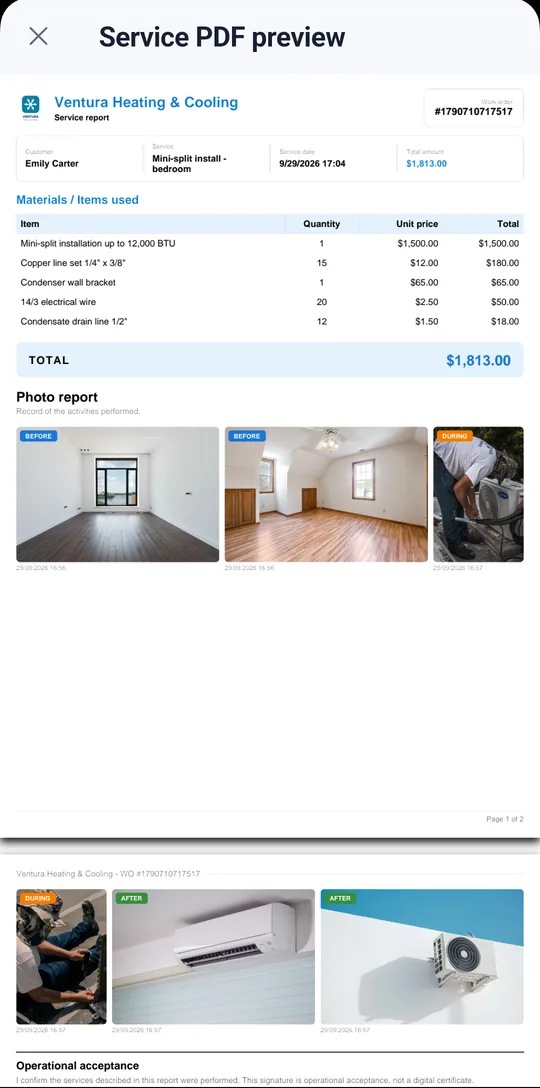
A professional PDF with line items, photos and total
Customer signs on your phone
Before, during and after photos
  • ✓Free to start: up to 50 clients and 100 work orders
  • ✓No ads on any plan
  • ✓Works offline and syncs later
  • ✓Automatic work order numbering
FAQ

Frequently asked questions

What is a work order?

A work order is the document that records a job: who requested it, what was done, the parts and labor used, the price and the customer's sign-off. It keeps the job organized and backs you up when it's time to get paid.

What's the difference between an estimate, a work order and an invoice?

The estimate (or quote) comes first: the proposed price for the customer to approve. The work order records the job itself. The invoice is the bill. Workaro handles estimates and work orders and tracks what each customer has paid.

Can I use this template for my business?

Yes. It's free, no sign-up or email needed, and you can print as many copies as you like.

Is the customer's signature legally binding?

It records that the customer reviewed and accepted the work, which helps a lot in a dispute. It doesn't replace a written contract or a certified e-signature service.

See also

HVAC Electricians Meet Workaro

Do your next work order on your phone

Get Workaro, add the customer on the spot and hand over a PDF with photos and a signature.

Get it on Google Play